Create the local studio
studio:init prepares the local library before the UI starts.
bun installbun run studio:initCodex Studio
Run a local UI on port 17222 and an API on 17223. The Codex path does not need an OpenAI key in the documented default.
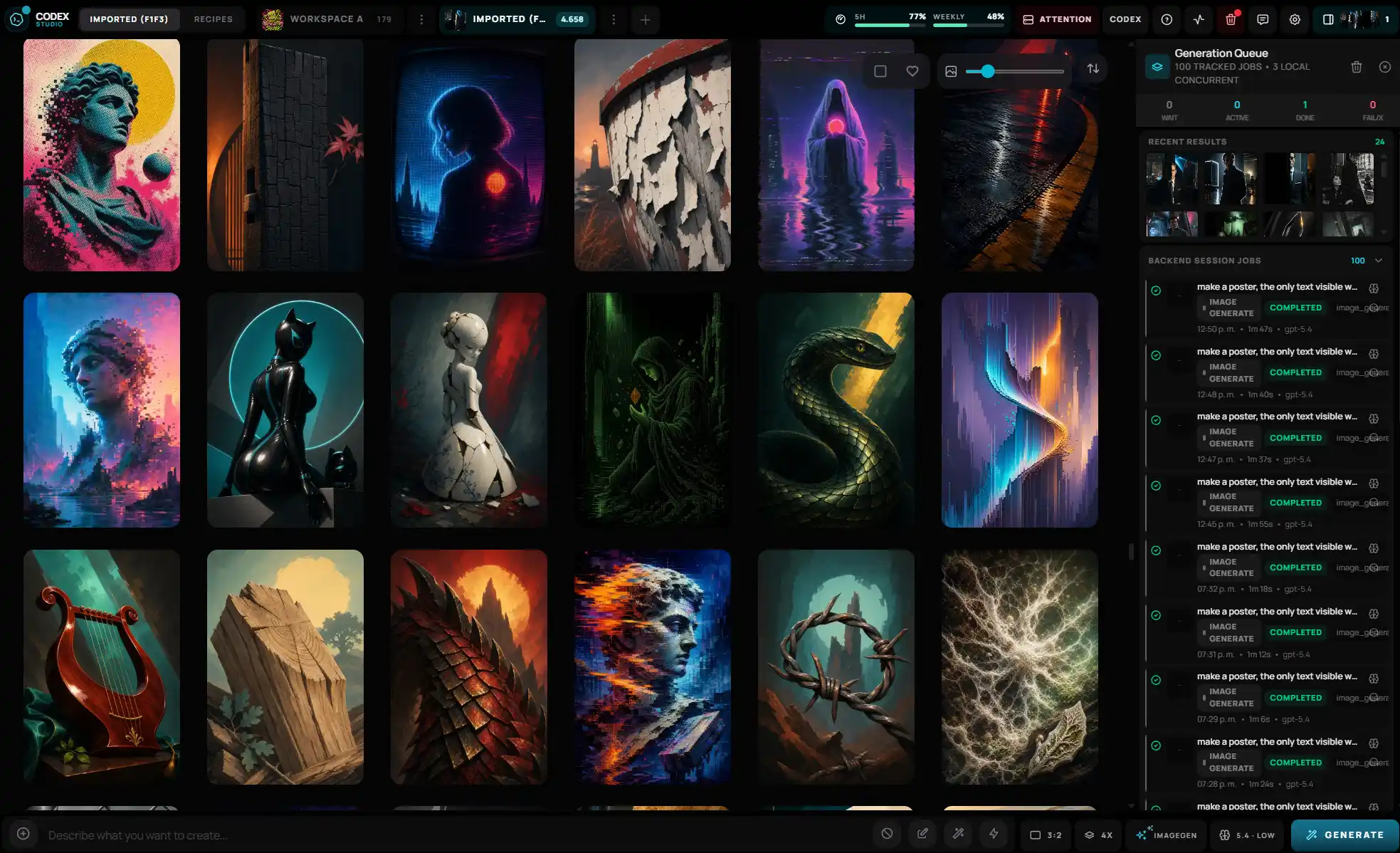
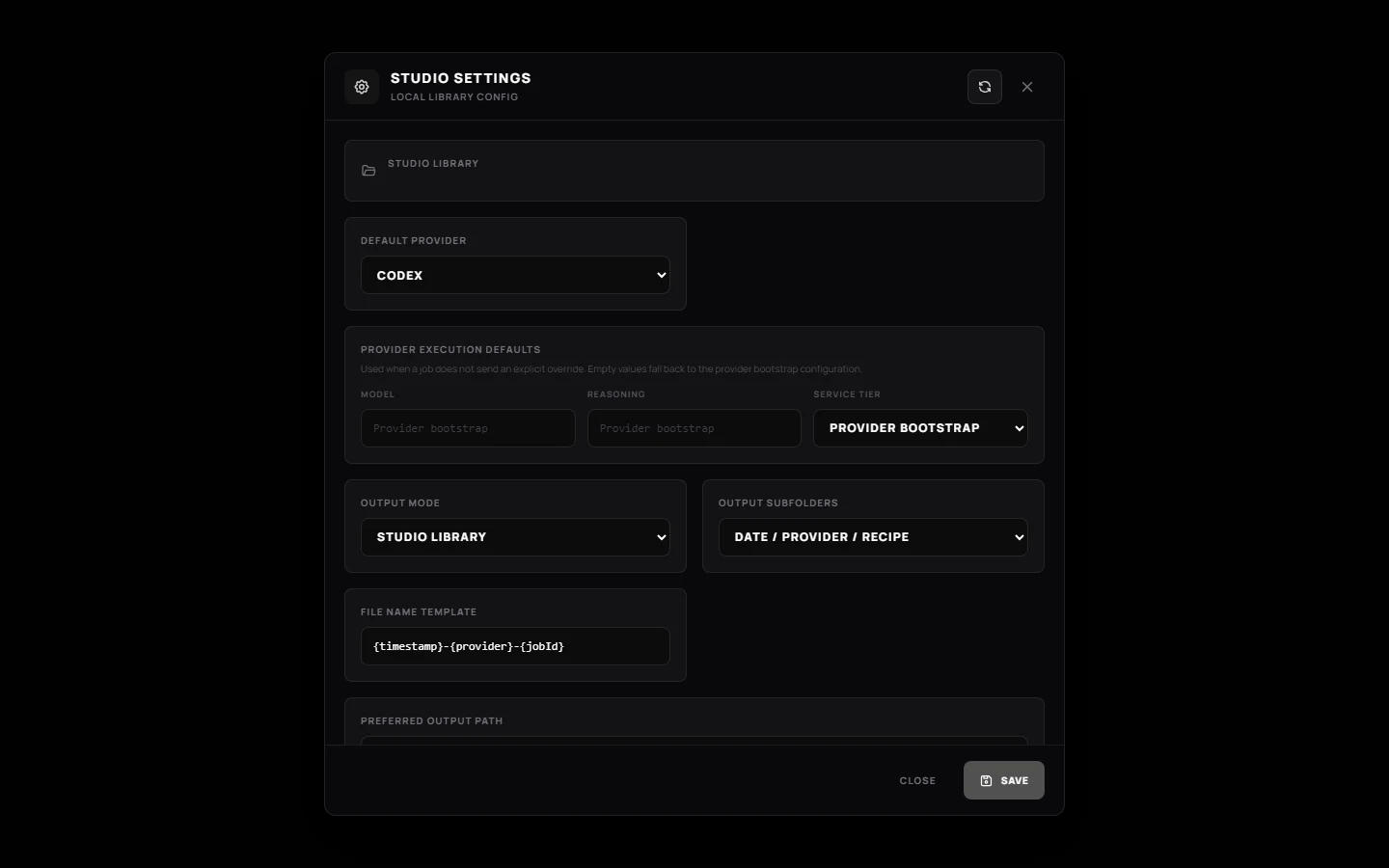
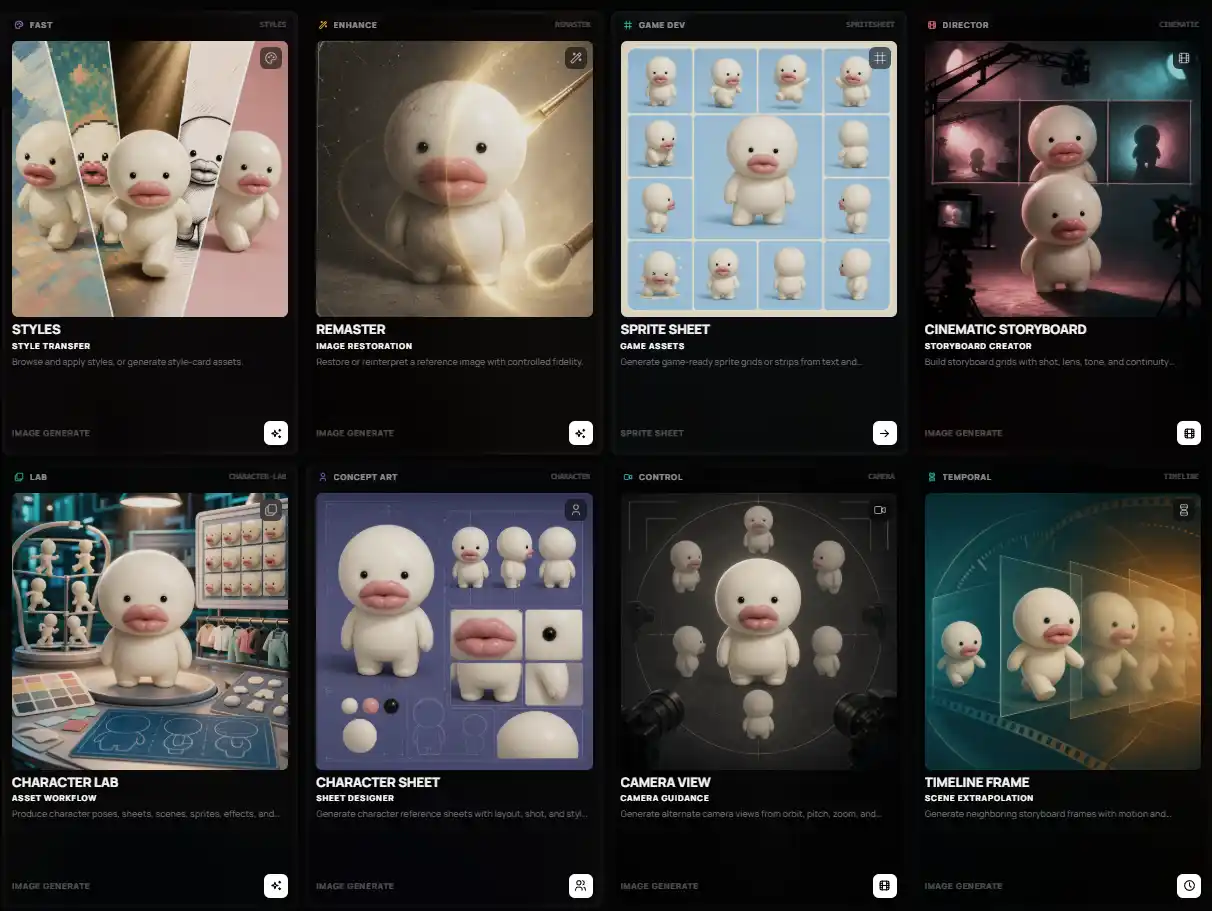
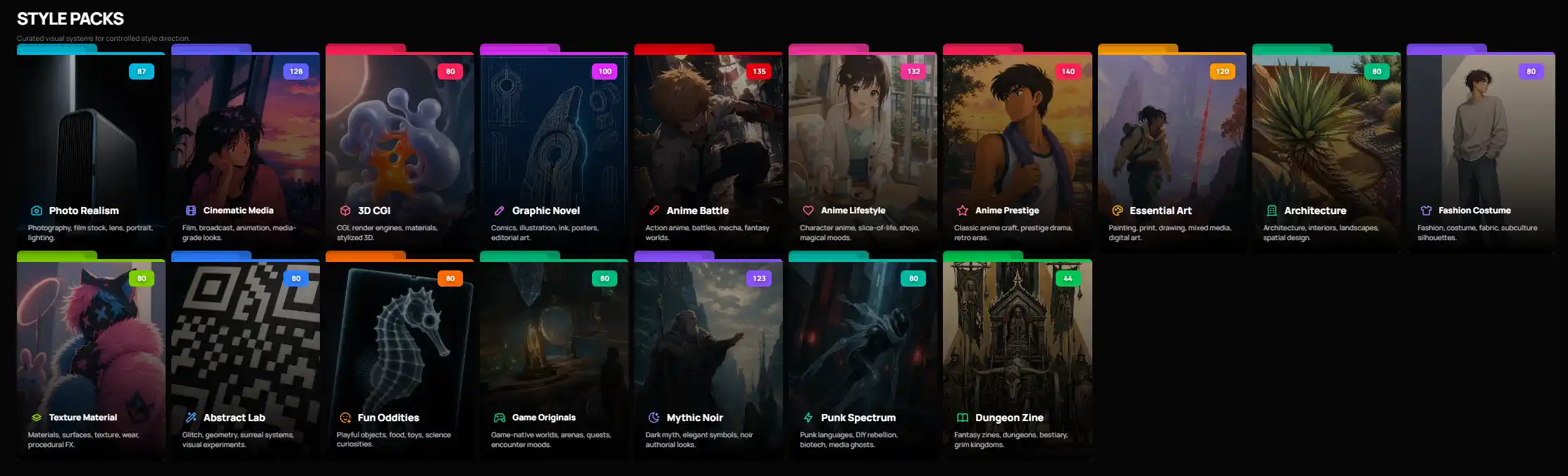
Screens
First run
bun install
bun run studio:init
bun run dev
UI at localhost:17222. API health at localhost:17223/api/health.
Commands
studio:init prepares the local library before the UI starts.
bun installbun run studio:initThe documented ports are 17222 for the UI and 17223 for the API.
bun run devruntime:doctor and providers:preflight are named in the README.
bun run runtime:doctorStart
bun install
Then bun run studio:init and bun run dev. Bun 1.3.14 is the documented runtime.
Scripts
| Input | Action |
|---|---|
| bun run dev | Start the studio |
| bun run studio:init | Initialize the local library |
| bun run runtime:doctor | Check the runtime |
| bun run check | Run checks |
Limits
Still in progress. This page does not offer an installer.
Images and SQLite stay in the Studio Library
Boundary
Links
Local ports. Local library. Optional providers stay optional.
Open the repository