Spend without a full window
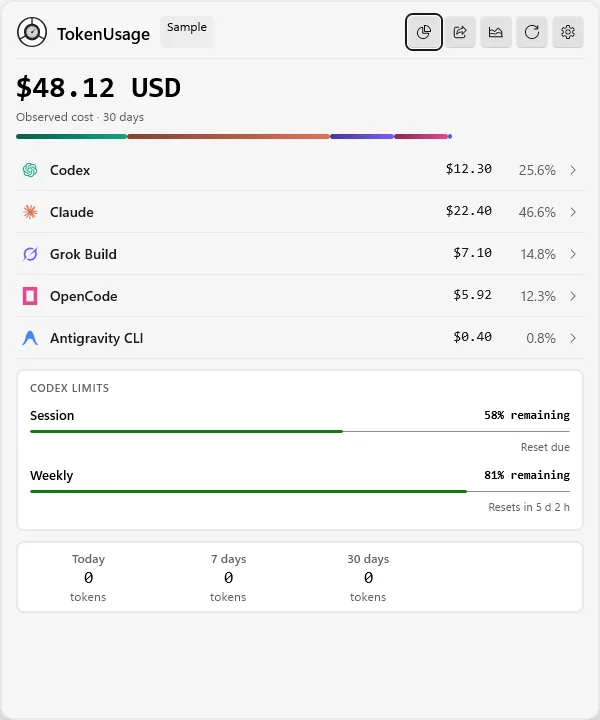
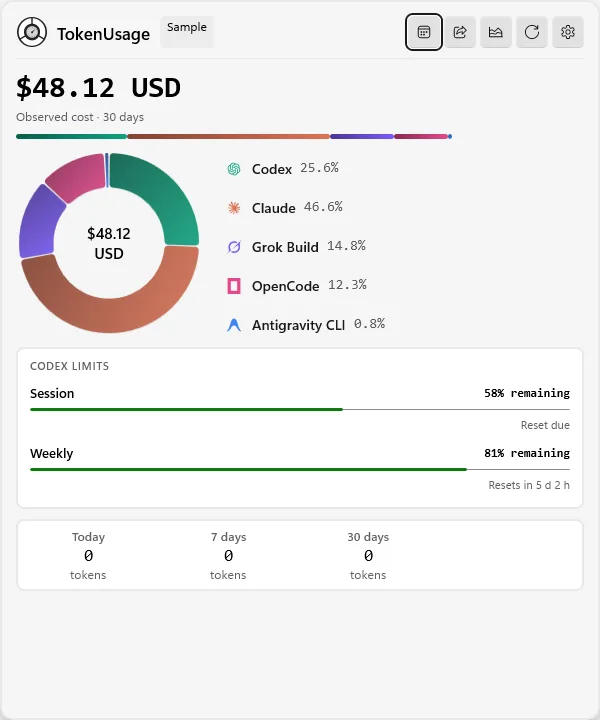
Check total spend, provider activity, Codex limits, and selected quotas without opening a full window.
TokenUsage
See quota windows, observed tokens, spend, coverage, and reset cycles for your AI coding tools without creating another account.
.\BuildAndRun.ps1 src\TokenUsage.App\TokenUsage.App.csproj -SkipRun /p:Platform=x64
Demo
Three parts of the same app. The numbers in these panels come from sample mode.
Check total spend, provider activity, Codex limits, and selected quotas without opening a full window.
Compare providers, ranges, and reset cycles. Export a clean capture. Missing data stays missing.
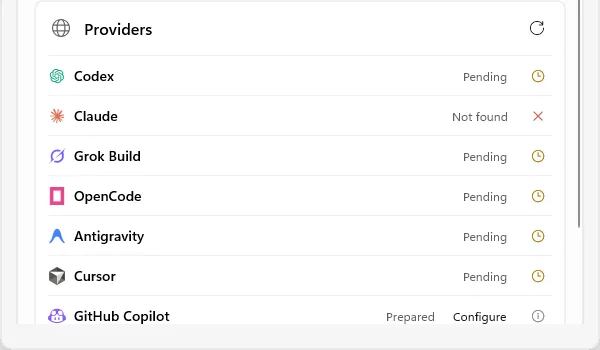
Read usage, reports, limits, provider status, and diagnostics as human text or versioned JSON.
Screens
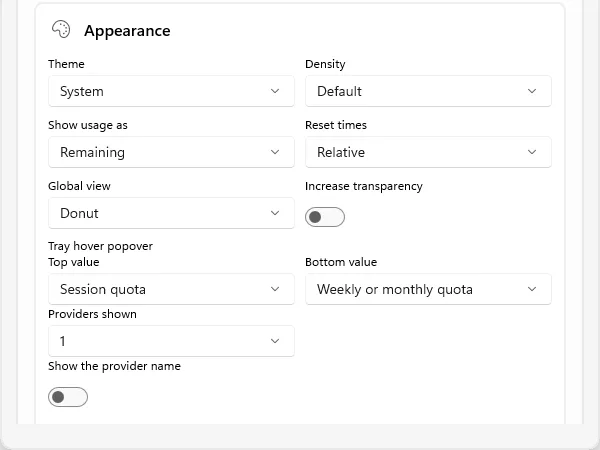
Screenshots from a packaged Windows build. The numbers come from sample mode. They do not include account data or local paths. Drag to see more, or open any screen in full view.
Docs
A catalog entry is not a working integration. Read the provider matrix before you assume a source exists.
Start
.\BuildAndRun.ps1 src\TokenUsage.App\TokenUsage.App.csproj -SkipRun /p:Platform=x64
Run from PowerShell at the TokenUsage repo root. The packaged MSIX and portable builds use separate data folders.
Links
Limits
Provider data stays on the machine unless you enable a documented opt-in connection.
Version 0.0.1 is in active pre-release. Readers depend on product version, account type, and source.
Generated by gh-pages-template from examples/tokenusage/site.yaml.
Local signal. Sample mode. No extra account.
Open the repository